Keep the site moving
Give media-heavy pages a lighter load and move demanding conversions away from your hosting server.
One license for every premium Flux feature. Improve site performance, simplify content work, and get more done in WordPress—with new plugins and features included as the suite grows.
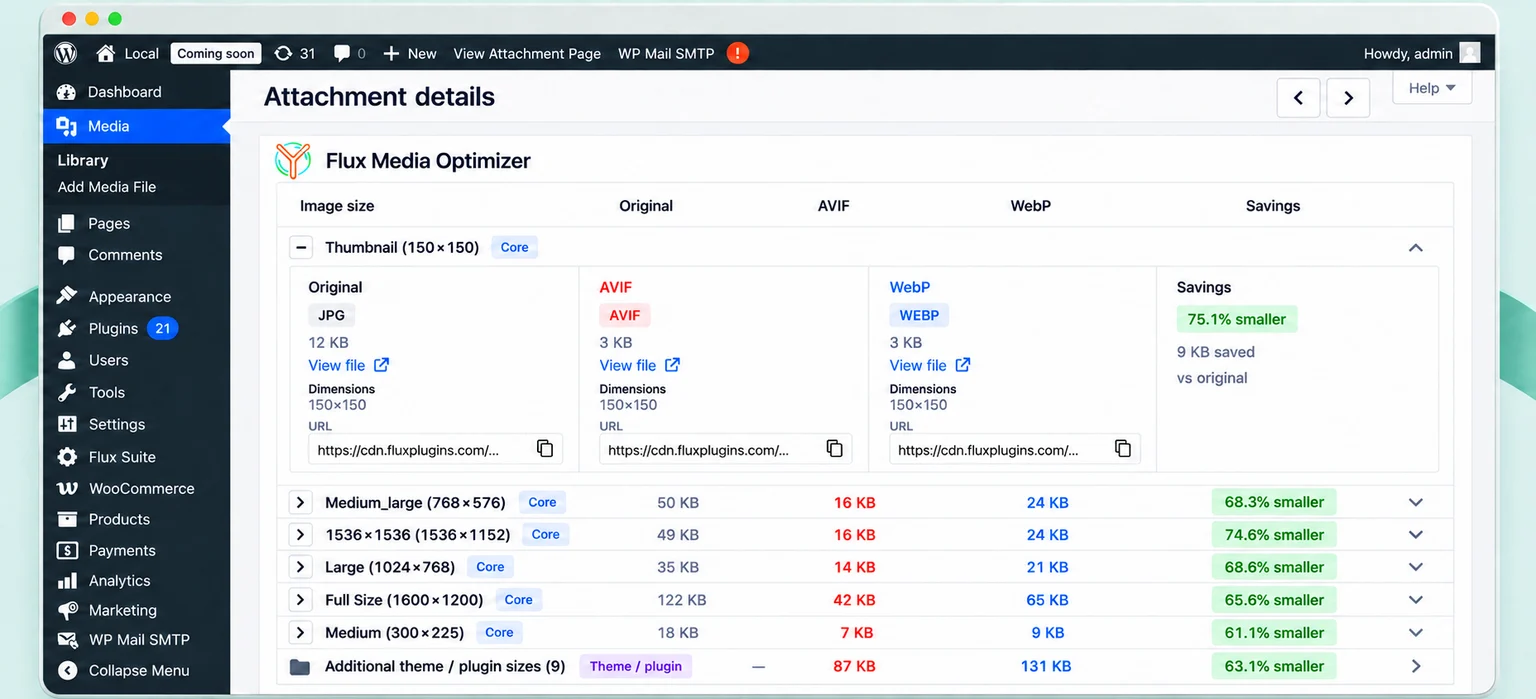
WordPress work adds up: a growing media library, images that need descriptions, and another round of admin tasks. Flux brings those jobs into one suite you can build around.
Give media-heavy pages a lighter load and move demanding conversions away from your hosting server.
Use AI-assisted descriptions and automation to make image housekeeping a manageable part of your publishing workflow.
Spend less time digging through WordPress menus and more time doing the work you opened the dashboard to do.
Every plan includes access to all current and future Flux Suite premium features. Choose Start, Pro, or Agency for the site and usage allowances that fit your workload.
A clear starting point for bringing premium tools into your everyday workflow.
$9 / month
For stores and content teams ready to put more recurring work on autopilot.
$29 / month
For agencies planning premium workflows across their client portfolio.
$79 / month
All features included while your subscription is active. Site counts and service usage limits vary by plan; access does not mean unlimited usage.
Start with the plugin that solves today’s problem. Your license also gives you access to the rest of the suite—and to new Flux plugins and premium features as they are added.
A faster way to work in WordPress. Bring everyday administration and AI-assisted insights into a more focused workflow.
Explore Flux One →A lighter media workflow from upload to delivery. Optimize your assets and add cloud services when your site needs them.
Explore Media Optimizer →Make image descriptions easier to manage. Combine useful audits, AI assistance, and repeatable workflows—with optional hosted AI through your Suite license.
Explore AI Alt Text →Make your next media upload, content update, or admin session a little easier.
All Suite features are available on every plan. Compare the site and service allowances to find your fit.
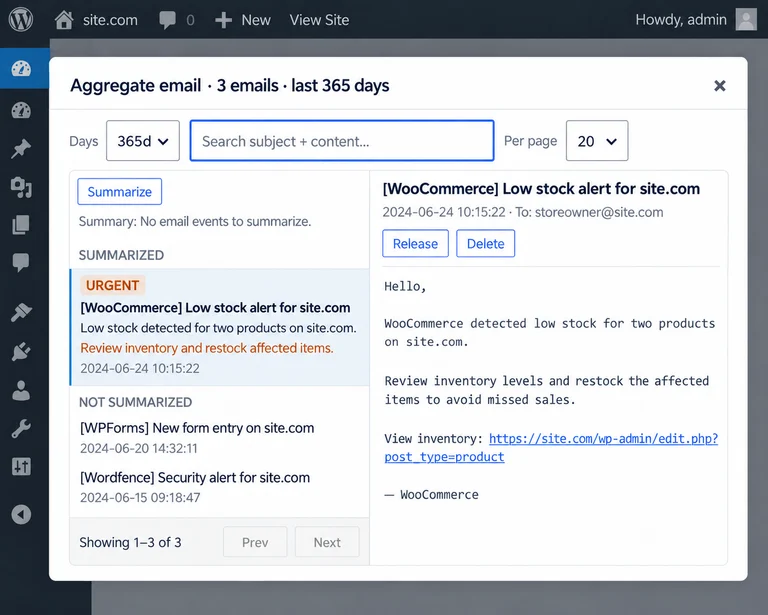
Install a free Flux plugin and use it in your existing WordPress workflow.
Match your plan’s allowances to your media, content, and admin needs. You do not need a separate license for each Flux plugin.
Enter your key in the plugin and enable the premium services you want to use.
Your license is for the whole Flux Suite, not a fixed list of today’s tools. New plugins and premium features join your subscription as they launch—without purchasing another plugin license. Keep your subscription active to access everything the suite offers, within your plan’s usage allowances.
No. Start with the free plugins. Subscribe when you want the Suite’s premium services and the usage allowances of your chosen plan.
One active license gives you access to all current Flux Suite premium features and to new plugins and premium features as they are added. Start, Pro, and Agency differ in site and usage allowances, not in whether you receive access to the growing suite.
Look at each feature separately. CDN delivery measures data served, storage measures data kept, and AI or processing allowances cover work performed. A larger allowance in one category does not replace another.
Choose a plan with a site allowance that covers your intended use. Review the plan’s site and license terms before activating it across a client portfolio.
Hosted premium alt text generation does not require your own OpenAI API key. Check your plan for generation allowances.
No. Review descriptions in the context of the page and the image’s purpose. Image audits and AI suggestions support your work; they are not a certification of accessibility compliance.
Review the quota units and reset periods, site allowance, renewal terms, and the policy for reaching a usage limit. These details should be shown with your selected plan and checkout.
Choose the Flux Suite plan that fits the work you want off your plate.